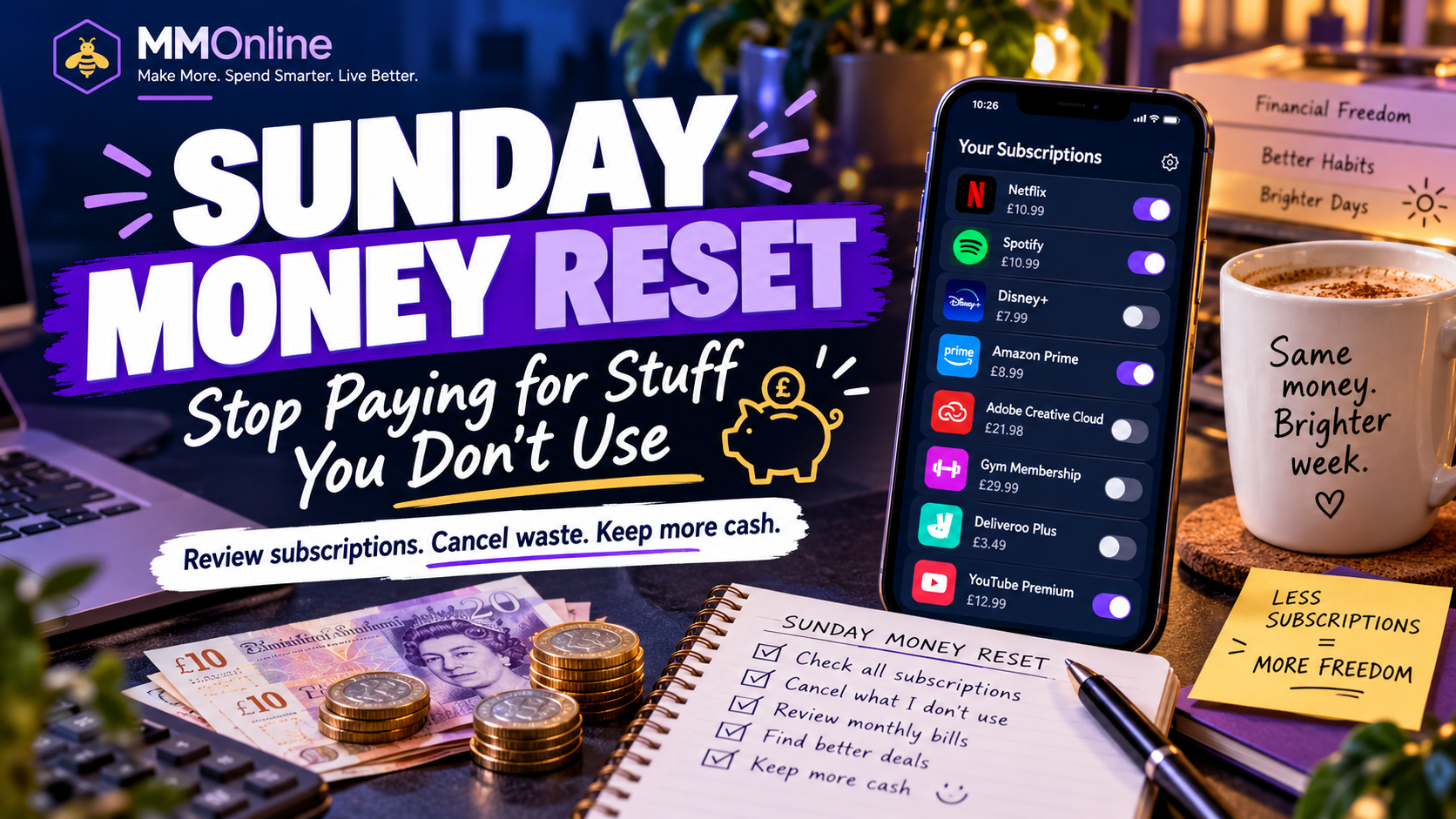
The Sunday Money Reset: Stop Paying for Stuff You Don’t Use
📋 In this article
- 🔎 Step 1: Find your subscriptions
- 🤔 Step 2: Cancel, downgrade, switch or keep?
- ❌ CANCEL
- ⬇️ DOWNGRADE
- 🔄 SWITCH
- ✅ KEEP
- ✂️ Step 3: Hit the cancel button
- 🧮 £5 a month doesn’t sound much…
- 📱 Don’t forget the bigger bills
- 💰 Step 4: Put the money somewhere better
- 🐝 The MMOnline Sunday challenge
- What have you discovered?
- Sources checked
- Keep exploring MMOnline
Sunday seems like a good day for a bit of financial housekeeping.
Nothing too strenuous. I’m not suggesting spending six hours building spreadsheets or analysing every penny you’ve spent since 2019. 😂
Instead, here’s a very simple challenge:
Take 30 minutes and find out what you’re STILL paying for.
Subscriptions have become so normal that it’s remarkably easy to forget just how many of them we have.
£4.99 here. £8.99 there. £12.99 for something you haven’t opened since Easter.
Individually, they don’t always look particularly frightening. Together? That’s when things can get interesting.
🔎 Step 1: Find your subscriptions
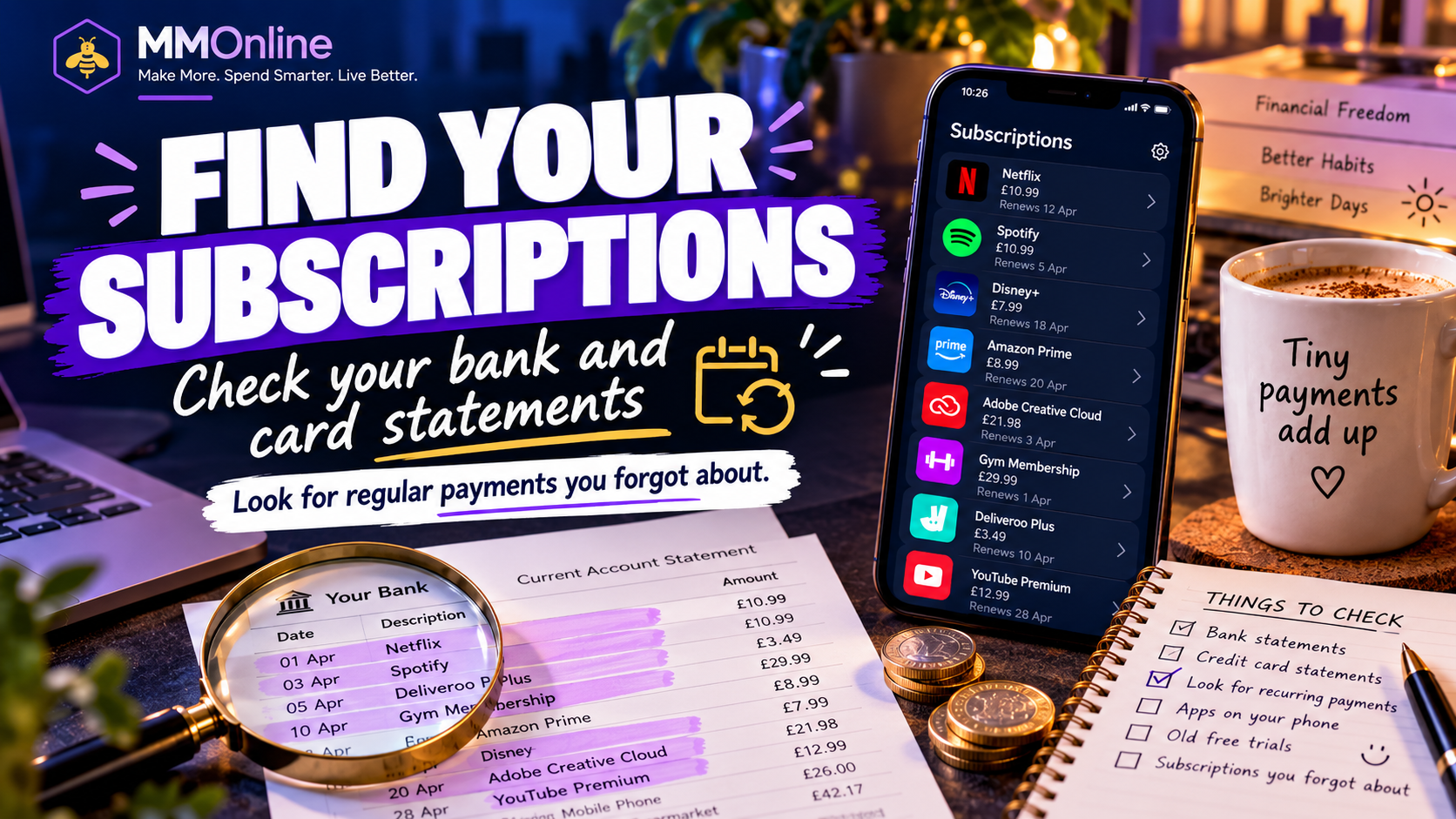
Open your banking app or online banking and go through your recent transactions. MoneyHelper recommends reviewing bank and credit-card spending for regular payments, including subscriptions you may no longer use.
Don’t just look for obvious names. Look for anything that appears regularly.
- Streaming services
- Music subscriptions
- Gaming memberships
- Cloud storage
- Mobile apps
- Software
- Gym memberships
- Newspapers and magazines
- Delivery memberships
- Premium shopping memberships
- Extra mobile-phone services
- Website subscriptions
- Free trials that stopped being free months ago 😅
It’s also worth checking your credit card if you use one.
The important question isn’t:
“Is this only £5.99?”
It’s:
“Do I still actually use this?”
🤔 Step 2: Cancel, downgrade, switch or keep?
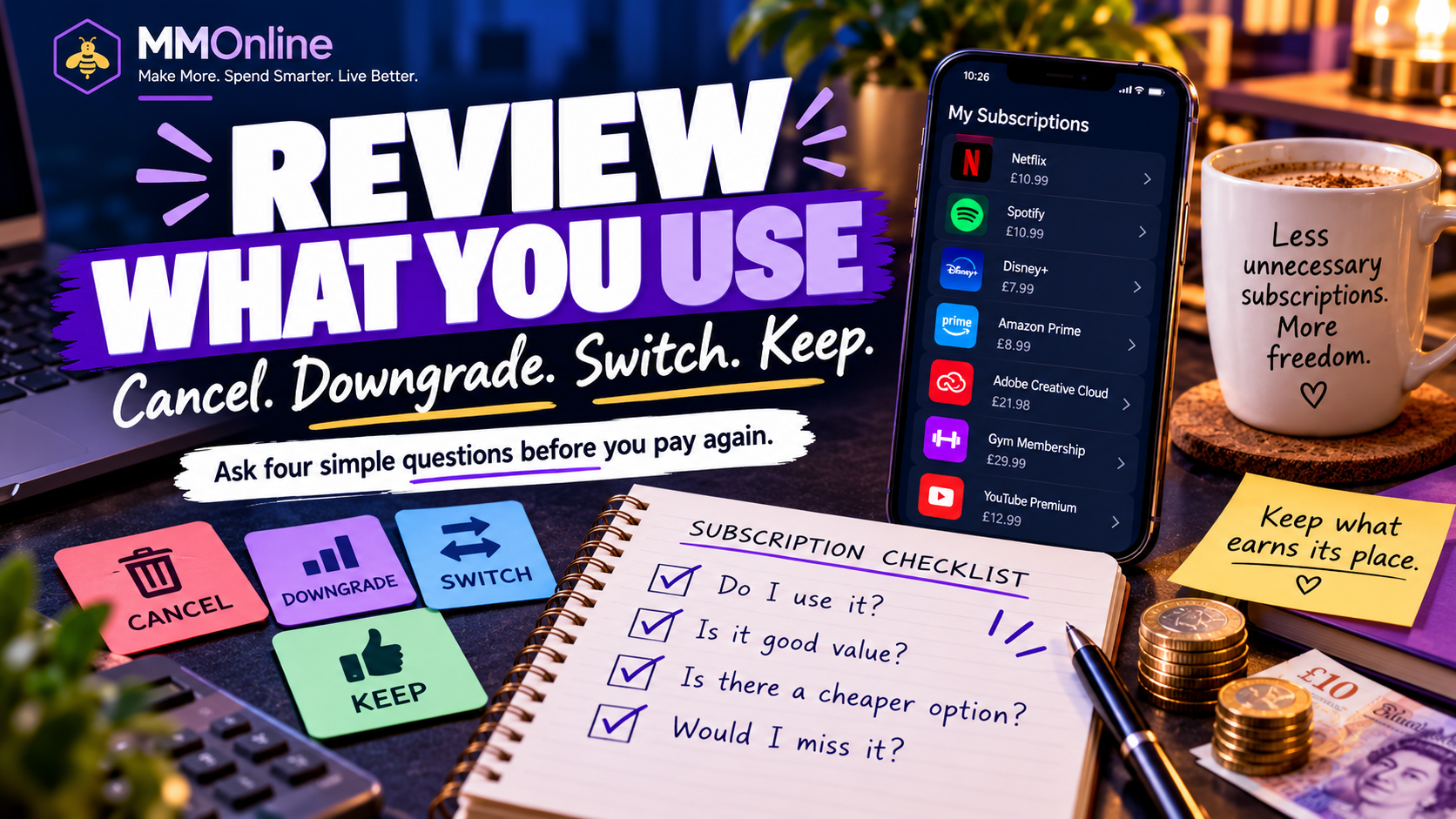
I wouldn’t suggest cancelling absolutely everything.
The point isn’t to remove every little pleasure from life just so your bank balance looks prettier. Instead, put each subscription into one of four categories.
❌ CANCEL
You barely use it or had forgotten you even had it. Get rid of it.
⬇️ DOWNGRADE
You use the service, but perhaps you’re paying for more than you need.
Do you really need the biggest cloud-storage package? Are you paying for a family plan when you’re the only person using it? Could a cheaper tier do exactly what you need?
🔄 SWITCH
Maybe you still want the service, but there’s a cheaper alternative.
This is particularly worth investigating with things like broadband and mobile contracts. Ofcom says providers must tell customers when their contract is coming to an end and include details such as the end date, what they’ll pay afterwards and the provider’s best available deals.
✅ KEEP
And yes — you’re allowed to keep things!
If you watch a streaming service every evening and get loads of enjoyment from it, that’s very different from paying £10.99 every month for something you last used six months ago.
Saving money should be about getting rid of waste, not getting rid of everything you enjoy.
✂️ Step 3: Hit the cancel button
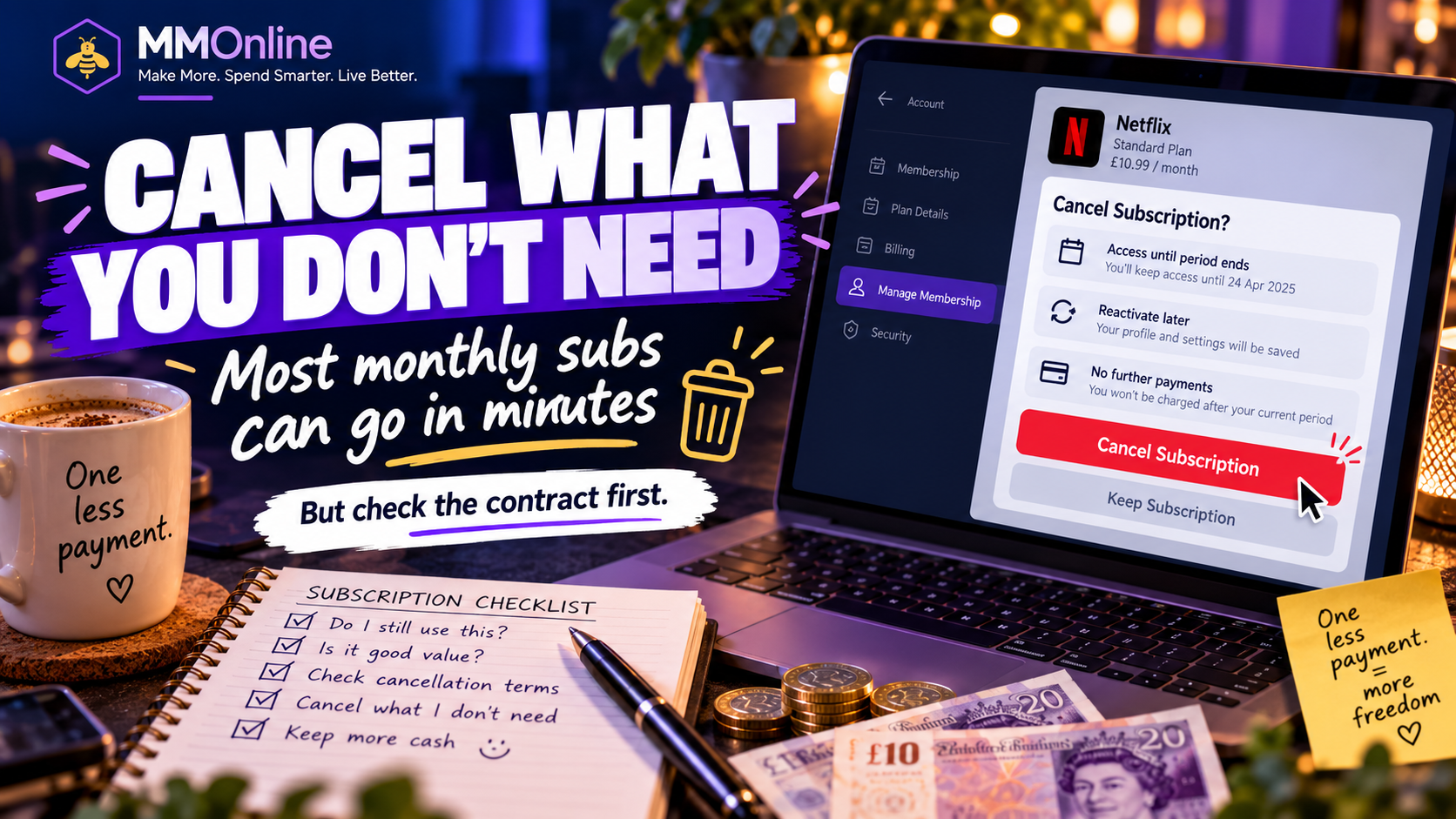
This is the satisfying bit.
Find something you genuinely don’t use anymore and cancel it.
But remember: cancelling a payment is not necessarily the same as cancelling the contract. MoneyHelper notes that stopping a Direct Debit does not cancel any contract you may still have with the company, so check the terms and cancel the actual service properly first.
For recurring card payments — sometimes called a Continuous Payment Authority — Citizens Advice Scotland says you can tell your card issuer to stop future payments. But if the payment relates to a separate agreement, you may still owe the company money under that agreement.
For straightforward monthly subscriptions, cancelling can often take only a few minutes.
And once you’ve cancelled one… keep going.
You may be surprised how quickly the total starts adding up.
🧮 £5 a month doesn’t sound much…
But this is why I like looking at the annual figure.
Cancel something costing:
£5 per month = £60 per year
Cancel three forgotten subscriptions averaging £8 each:
£24 per month = £288 per year
Find £50 a month across subscriptions, mobile costs and other recurring bills:
£600 a year.
Suddenly those little monthly payments don’t look quite so little.
📱 Don’t forget the bigger bills
While you’re looking through your accounts, check the larger regular payments too:
- Mobile phone
- Broadband
- TV packages
- Insurance
- Breakdown cover
Ask yourself:
Am I still in contract?
Has the price gone up?
Am I paying for features I don’t use?
Could I get the same thing cheaper elsewhere?
If you’re out of contract on phone or broadband, Ofcom says you can shop around for another deal, while providers are required to send end-of-contract notifications before your minimum term ends.
💰 Step 4: Put the money somewhere better
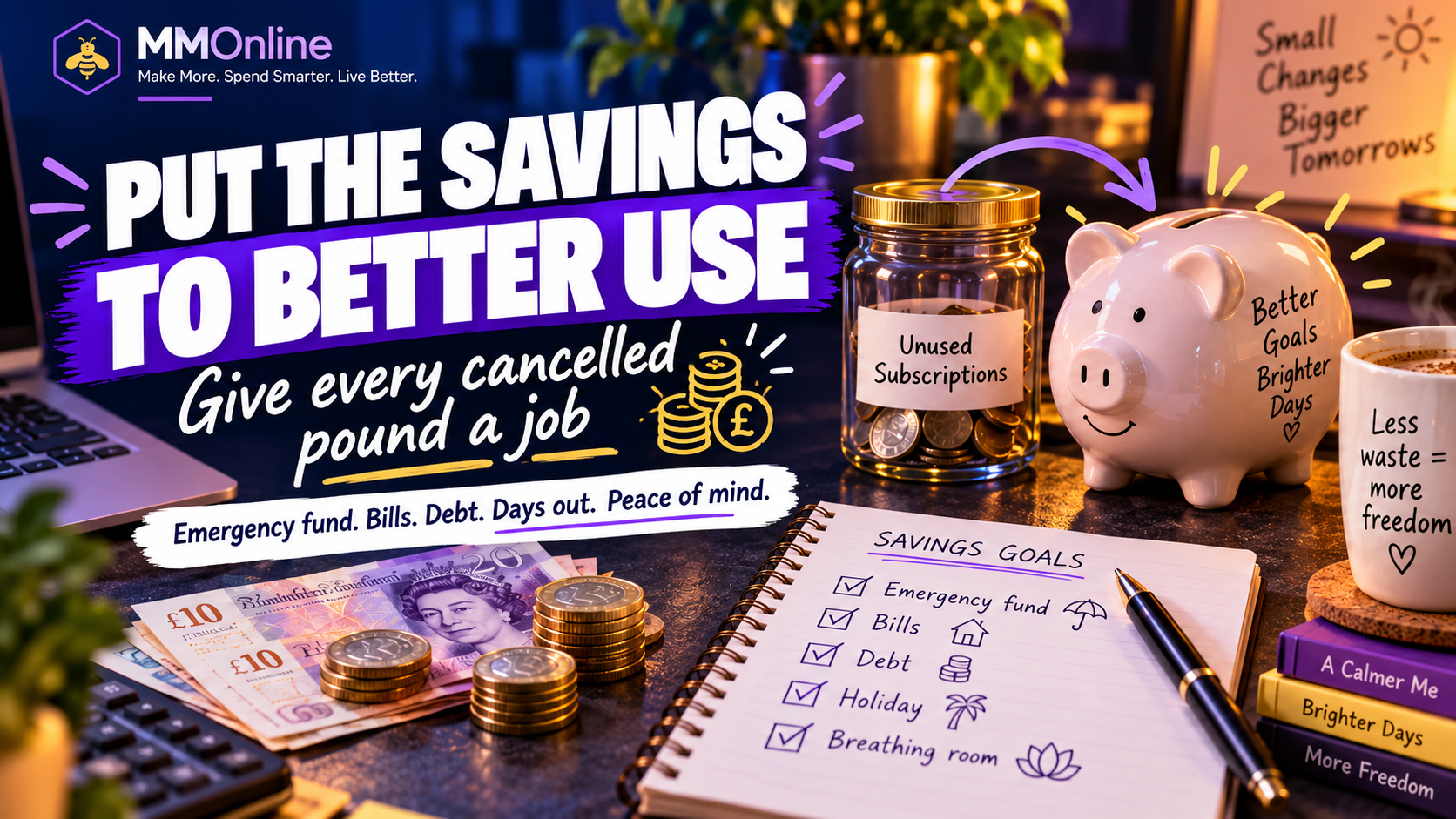
This part matters.
Otherwise the £20 you’ve saved can mysteriously disappear into coffees, snacks and Amazon parcels without you ever noticing. 😂
Decide what you’re going to do with it.
- Build an emergency fund
- Put it towards Christmas
- Save for a holiday
- Pay off debt
- Put it towards household bills
- Add it to your investments
- Save for something you’ve actually been wanting
- Or simply give yourself a little more breathing room each month
You don’t necessarily need to become richer.
Sometimes having fewer unnecessary payments going out every month is a win in itself.
🐝 The MMOnline Sunday challenge
So here’s today’s challenge.
Give yourself 30 minutes.
Open your bank account. Go subscription hunting. And try to find at least ONE thing you’re paying for that you no longer need.
Then work out the annual saving.
£6.99 a month doesn’t sound terribly exciting.
£83.88 a year suddenly sounds a bit more worthwhile.
And if you find several? Even better.
What have you discovered?
Have you ever found a subscription you’d completely forgotten about? Or something you realised you’d been paying for for years without using it?
Tell me in the comments.
I’m expecting a few:
“Wait… I’m STILL paying for that?!” 😂
For more real-world UK money-saving ideas, ways to earn a little extra and the things I’m testing myself, visit MMOnline.
Sources checked
- MoneyHelper — Don’t forget to cancel: are you wasting money on subscriptions?
- MoneyHelper — Direct Debits, standing orders and recurring card payments
- Ofcom — Are you in or out of contract?
- Citizens Advice Scotland — Stopping a future payment on your debit or credit card
Last checked: 4 October 2026. This article is general money-saving information, not individual financial advice.
Review one subscription renewal date and cancel or downgrade anything that no longer earns its place in your budget.